Free merge-sum puzzle
Sumbreak
Merge matching numbers until one tile remains
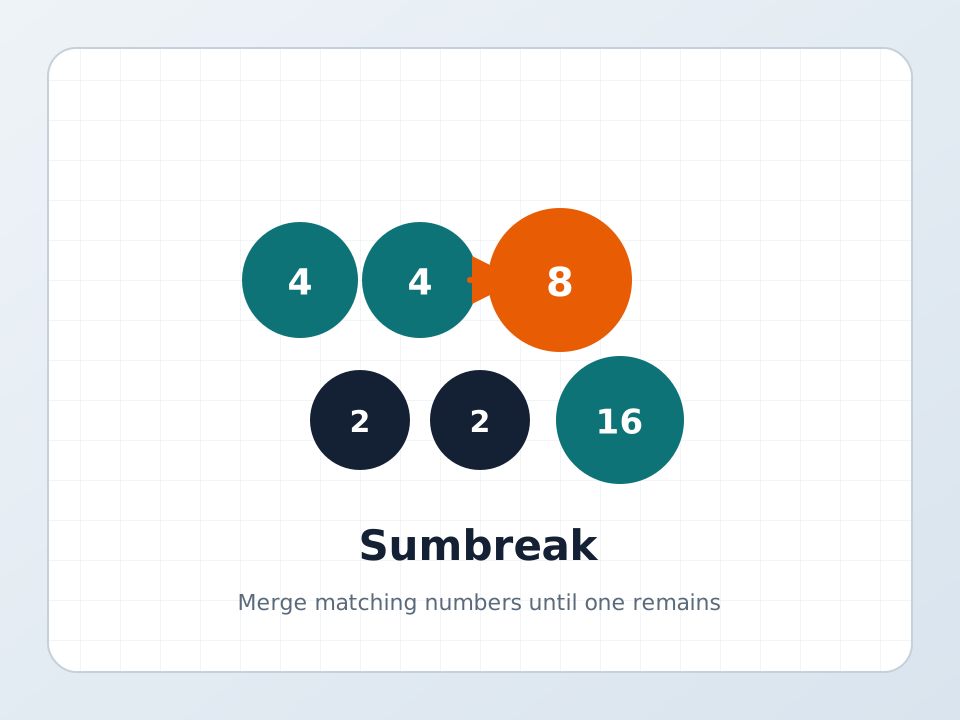
Click to load Sumbreak in this page
Stacking today's ledger…
Merges load in the same frame—no new tab.
People searching for Sumbreak usually want a board they can open and merge right away. Press Play Sumbreak to drag identical neighbors into their sum until a single tile is left—free in the browser, no download.
What is Sumbreak?
Sumbreak is a compact math-and-logic puzzle: a small grid of numbered tiles where you merge identical neighbors until only one number remains. Each merge adds the pair into their sum on the tile you drop onto, and the square you dragged from stays empty.
This page hosts independent Sumbreak practice boards built for that play-now intent. You get a daily board keyed to your local date, unlimited practice boards, a warm-up grid, a running timer, undo, hint, and a last-good-move rescue when a path dead-ends.
The merge rules match the public description of LinkedIn’s Sumbreak game—drag identical edge neighbors, no diagonals, empties do not refill. This site is not LinkedIn and is not the official daily product.
How to play Sumbreak on this page
-
Press Play Sumbreak
Tap the cover button. The board loads in the same frame with Daily selected by default.
-
Drag identical neighbors
Drag a tile onto another tile that shows the same number and sits directly above, below, left, or right. The two become their sum on the drop target; the origin becomes empty.
-
Keep merging to one tile
Diagonals do not count. Gaps stay empty—nothing slides in—so every merge changes which numbers touch. Win when a single number remains.
-
Use Undo, Hint, or Last good move
Undo reverses the last merge. Hint outlines one legal pair. If no merges remain, Last good move restores the board from just before the dead-end.
Sumbreak controls
Sumbreak on this page is built for mouse and touch. Use fullscreen if you want a larger ledger.
- Drag / touch
- Press and drag a numbered circle onto an identical orthogonal neighbor.
- Modes
- Daily uses today’s date seed; Practice builds a fresh solvable board; Warm-up loads a fixed teaching grid.
- Undo / Hint / Reset
- Undo steps back one merge; Hint highlights a pair; Reset restarts the current mode.
- Last good move
- Appears when the board has no legal merges left—jump back to the last position that still had a move.
Tips for Sumbreak
- Start with the smallest matching pair—those merges are often forced and reveal the next chain.
- Think about where the sum lands. Merging A onto B versus B onto A places the new number on different squares.
- Work toward the largest tile instead of away from it; that number usually needs a matching partner built beside it.
- If the board feels stuck, Undo a few steps or use Last good move rather than forcing a random merge.
- Practice mode is for trying risky paths without waiting for tomorrow’s daily Sumbreak board.
Sumbreak FAQ
Can I play Sumbreak free in the browser here?
Yes. Press Play Sumbreak on this page to load free practice and daily boards. No account is required.
Do I need to download Sumbreak?
Not for this page. Everything runs after you press Play Sumbreak. LinkedIn’s official game lives inside LinkedIn Games in the browser or app.
Is this the official LinkedIn Sumbreak game?
No. LinkedIn’s page cannot be embedded here, so this site hosts original solvable boards that use the same public merge rules. The official daily puzzle stays on linkedin.com/games/sumbreak.
Can I play Sumbreak on mobile?
Yes. Drag tiles with a finger. Fullscreen helps on small screens.
What if no more merges are possible?
Use Last good move to restore the board from before the dead-end, or Reset to restart. Hint only works while a legal pair still exists.
Does Sumbreak save progress here?
Daily progress can save in this site’s player storage for your browser so you can continue the same day’s board later.
How is Daily different from Practice?
Daily seeds a board from your local date. Practice generates another solvable Sumbreak-style board whenever you want more merges.
Comments
Share a merge tip, your solve time, or where the board almost trapped you.
0 comments
No comments yet — drop a tip or your best Sumbreak time.